Merging, splitting, and moving tables: the bill did not know who to follow
Problem
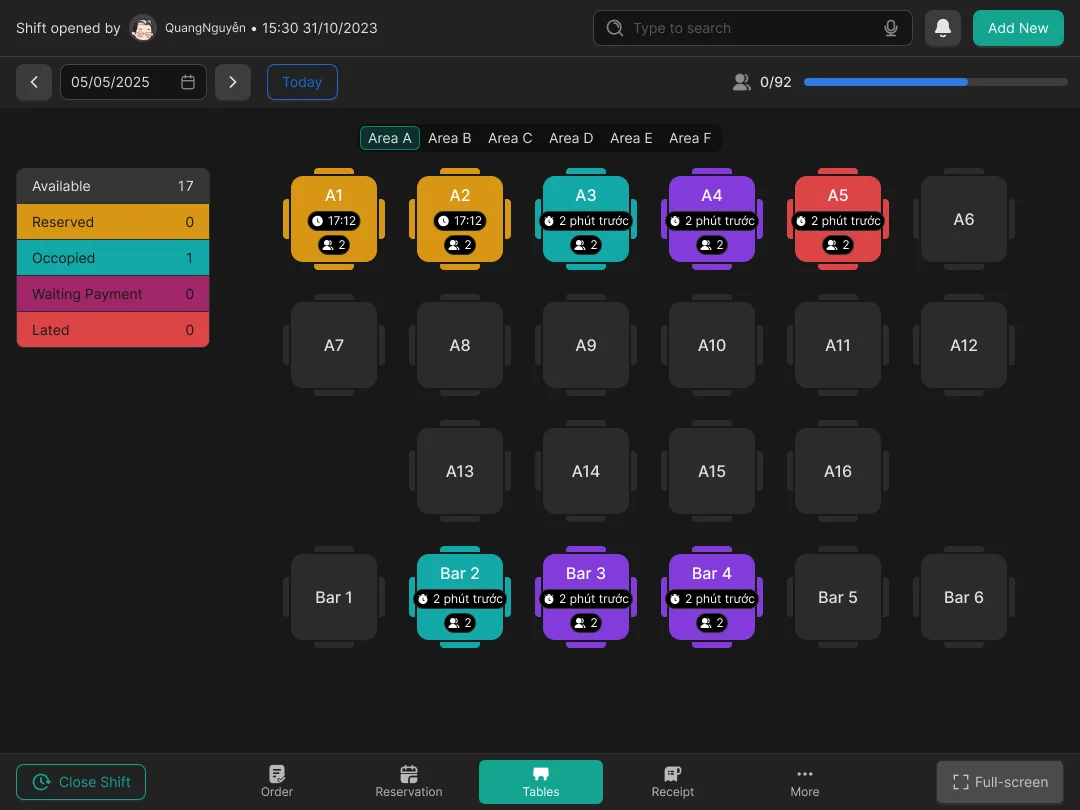
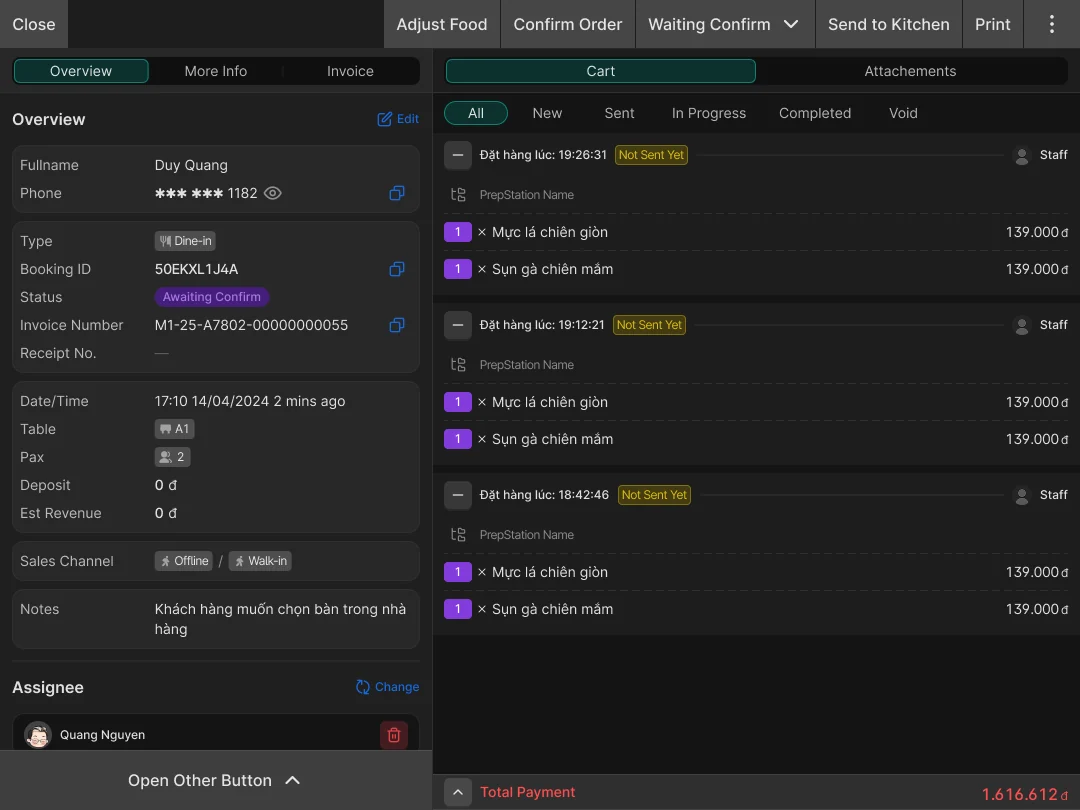
When a guest wanted to merge tables, the waiter had to write it down on paper first. Then the waiter told the cashier and the manager. At payment, the cashier had to check whether the bill had already been updated for the right table. If not, the cashier fixed it by hand.
What I noticed
The mistake did not show up at payment. It could happen when a table was moved or merged and the system did not know.
What I considered
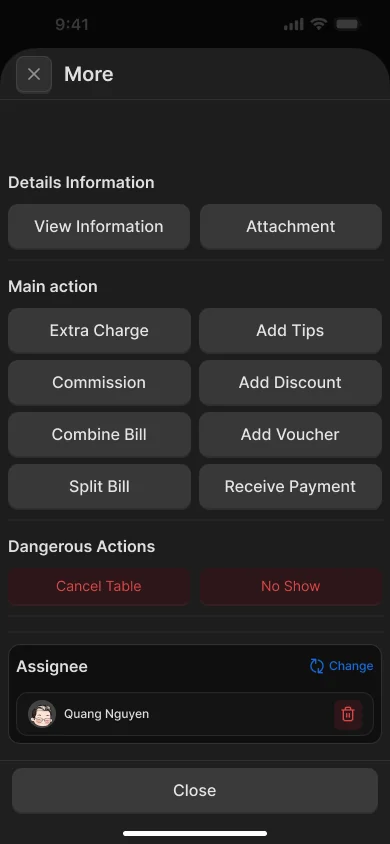
When tables are merged, the bill moves with the table. Nobody has to do it by hand. It only has to be updated in the POS, and every other role in the system sees it too.
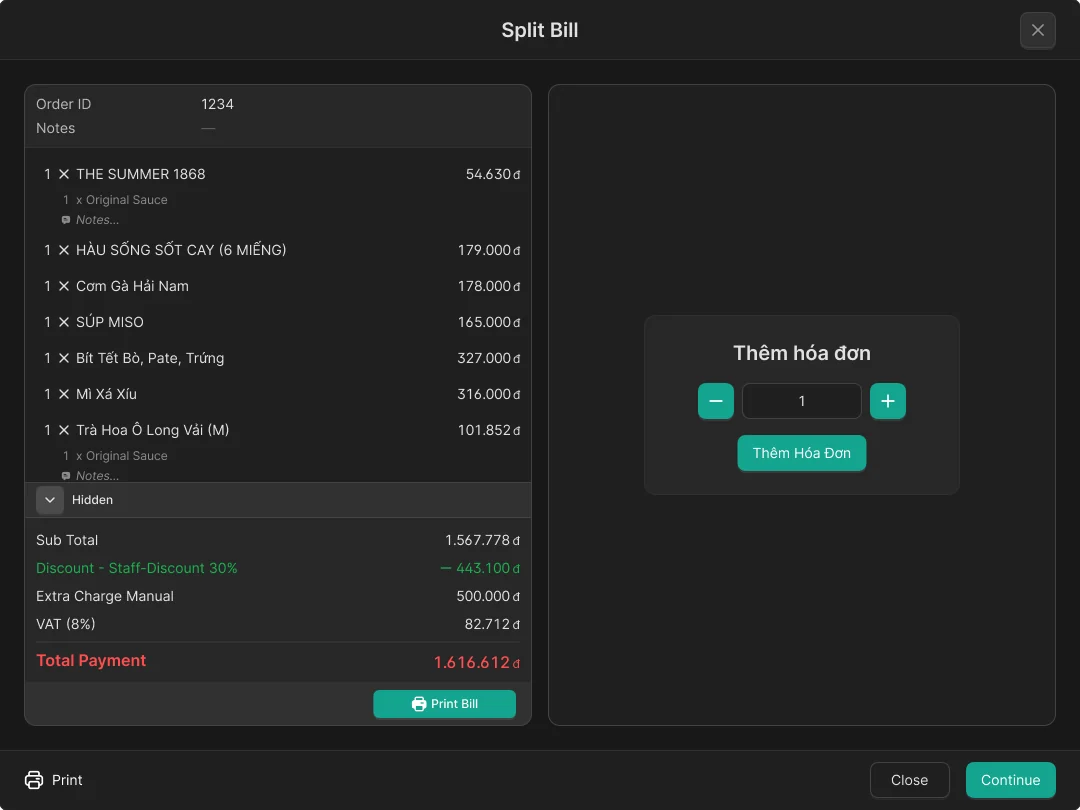
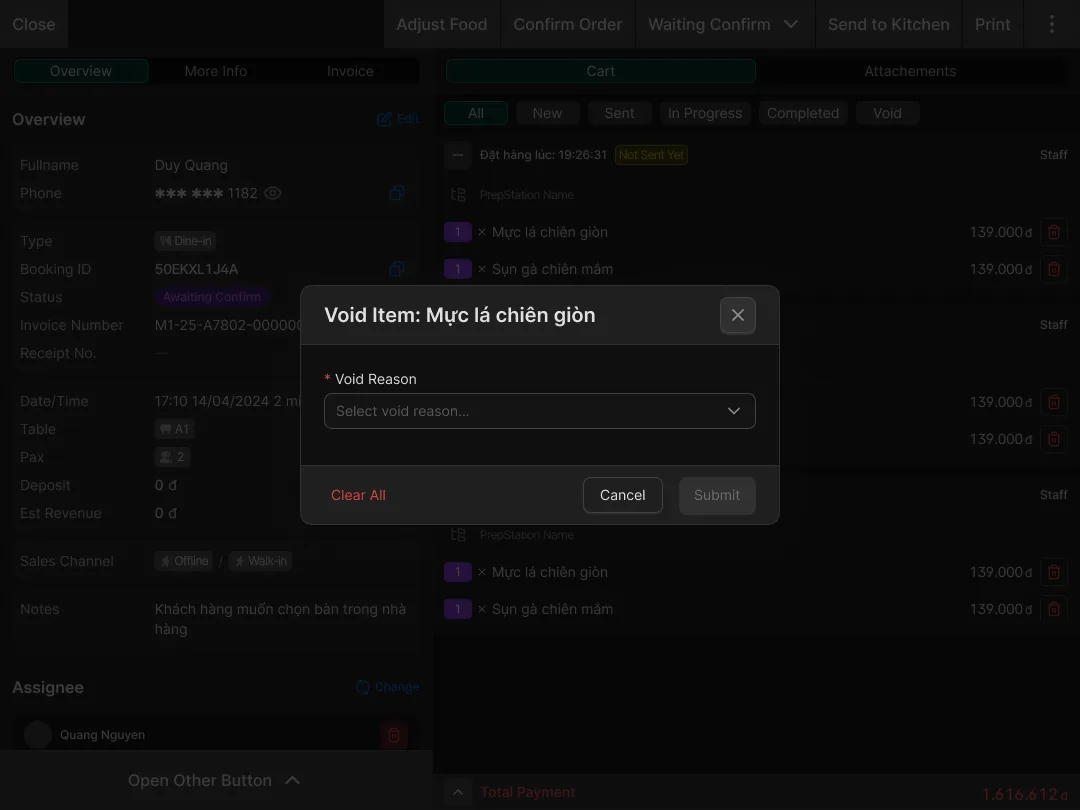
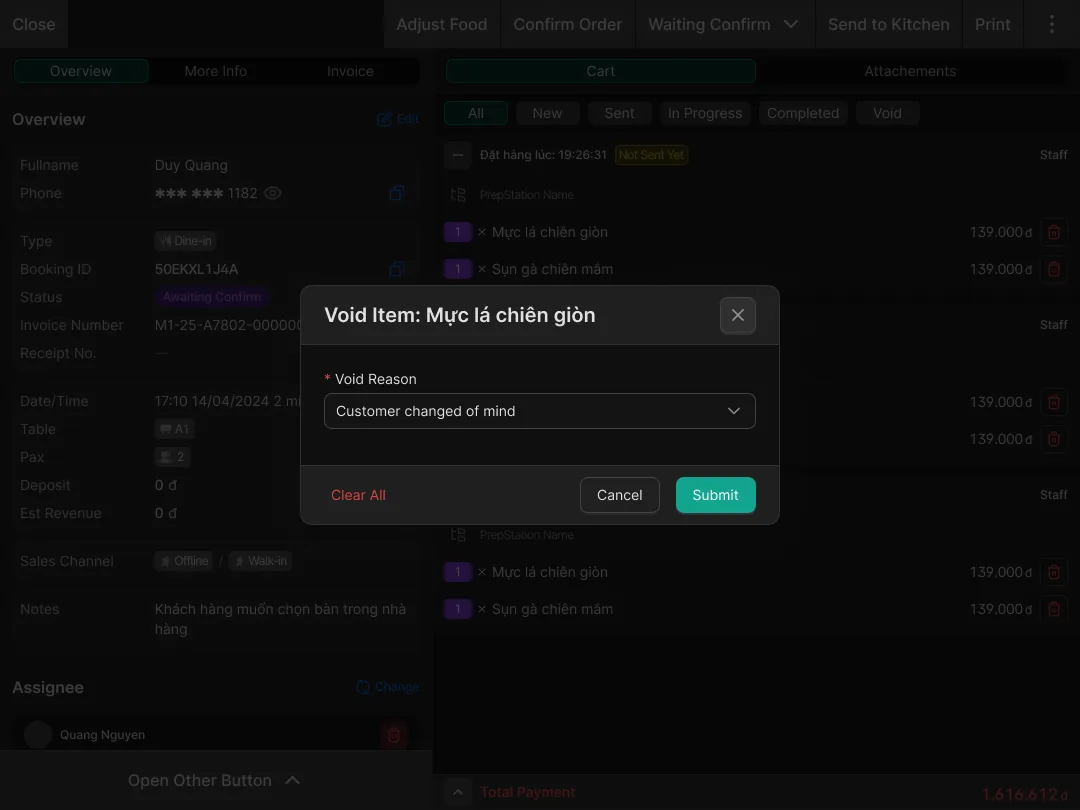
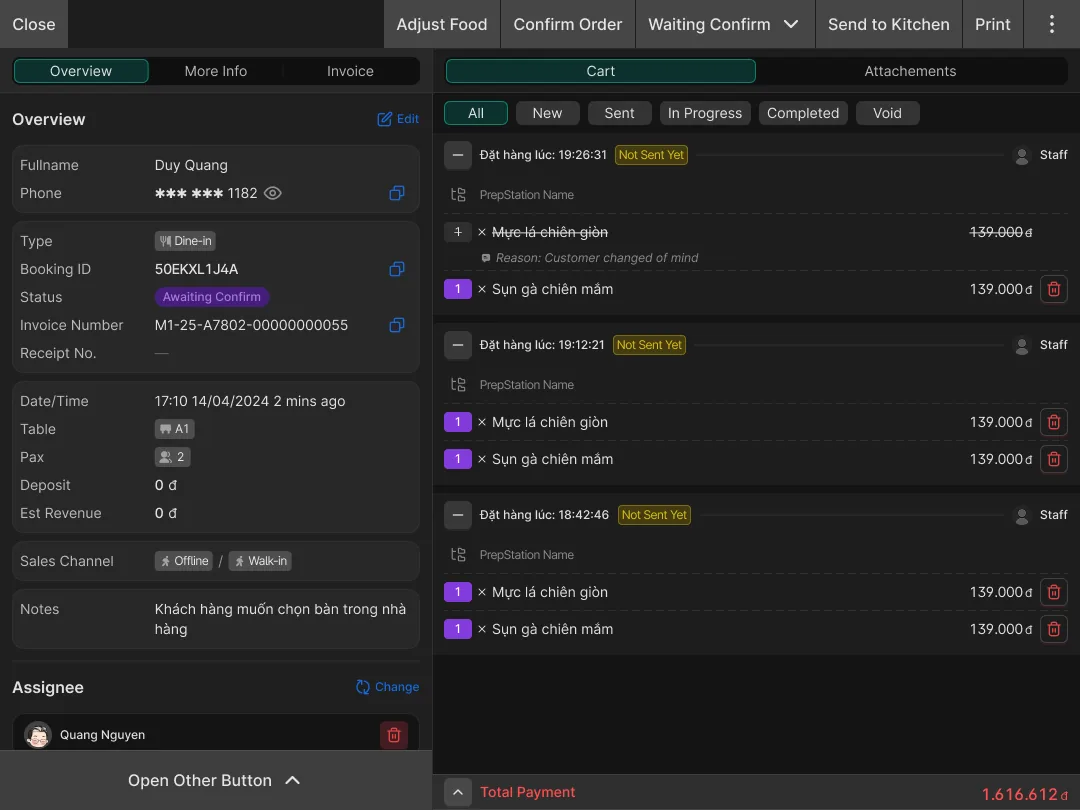
When a table or a bill is split, the system supports 3 ways: 50/50 (equal), by percentage, and by hand.
At first, the developers suggested equal and percentage splits. They thought these were simple and helped staff split bills faster.
But guests do not always want an equal split, because there are cases where:
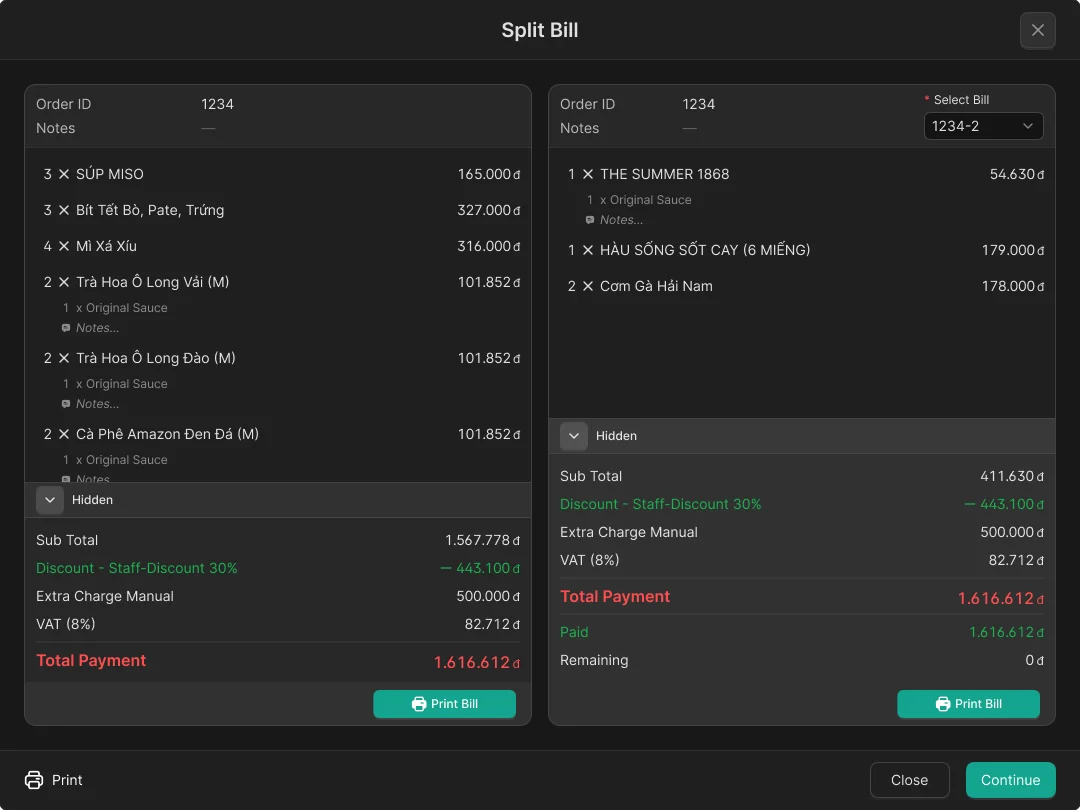
- A guest wants to split a bill to get a separate invoice
- A guest only wants to split off the takeaway dishes and pay for them separately
- A guest wants to split off the pricier dishes and pay for those on their own
And in these cases, an equal split or a percentage split cannot do what the guest wants.
Working with the team
Merging, splitting, and moving tables (the bill) was a requirement for the POS. So nobody argued about whether to build it.
I took the guest stories above to the team. After that, adding the manual split was approved.
The developers did not mind building more. In the end, it is just picking dishes and moving them to another bill.
With the table-split stories approved, the dev team also understood how important this feature was and did not object to the extra work.
Decision
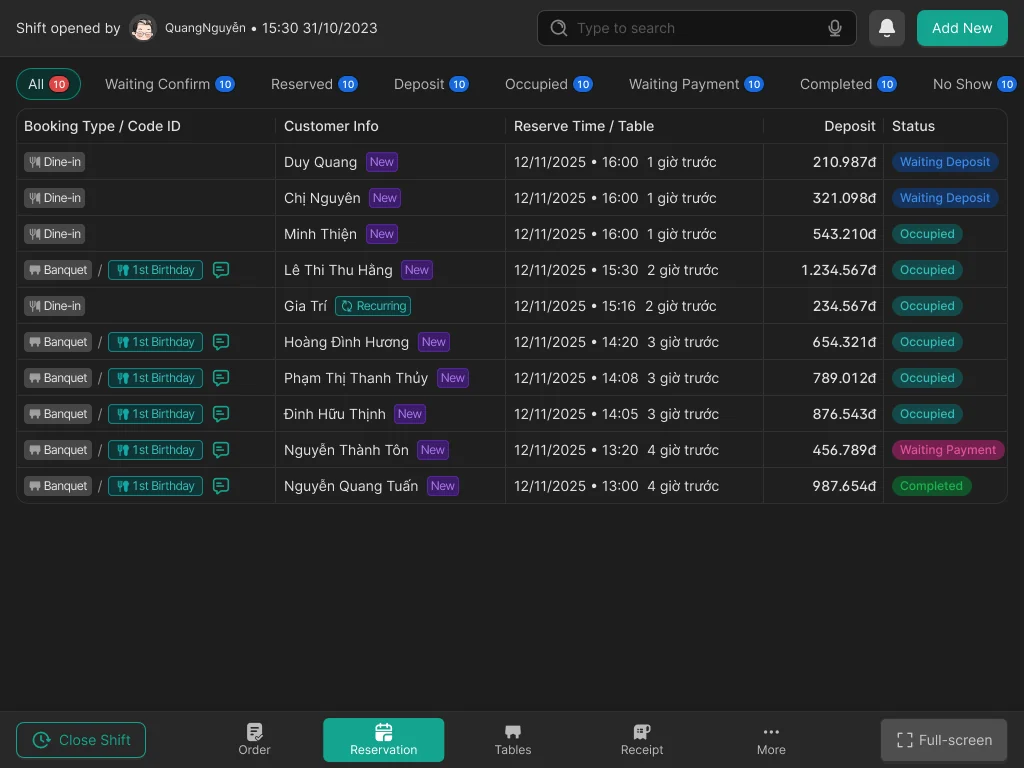
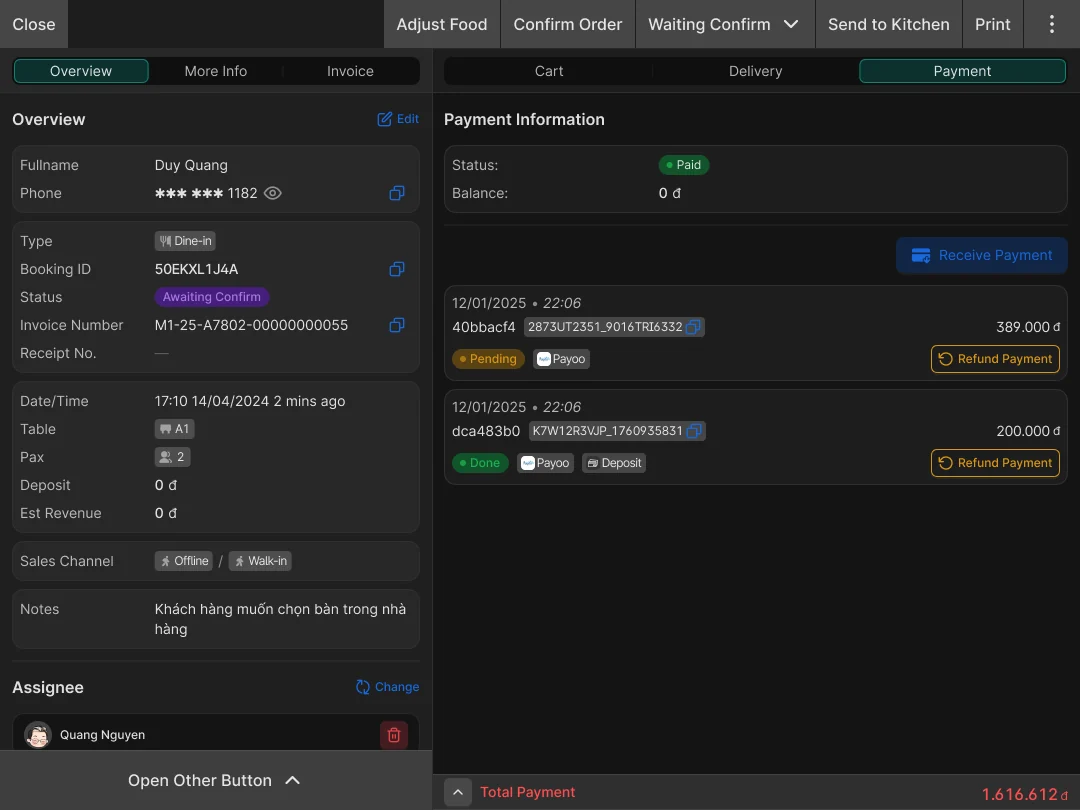
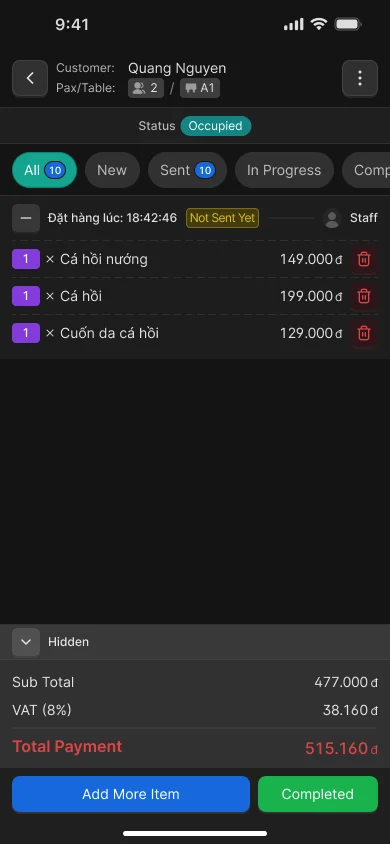
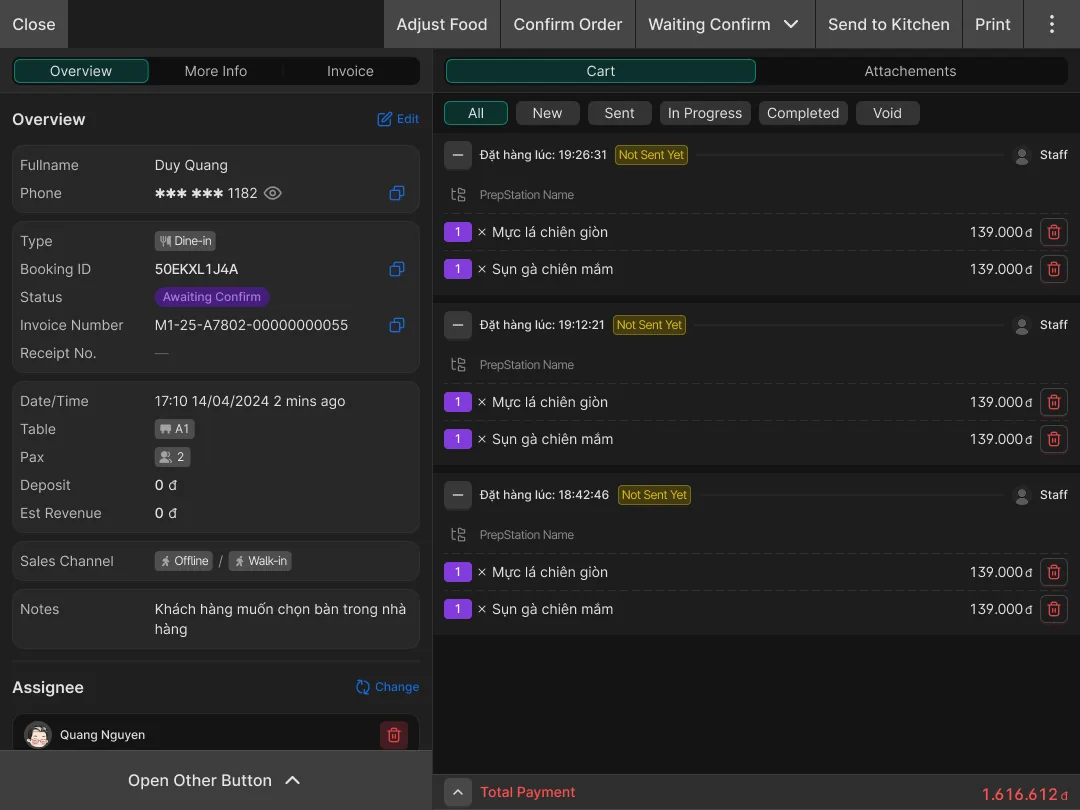
I decided that merging, splitting, and moving tables would be updated on the bill. A table can have 2 or more bills split off from it. Keeping the table information on each bill helps when we go through the end-of-day reports. And it helps with management.
What happened next
I tested it directly with restaurant staff, using the wireframe version. Before, staff who often split bills had to fix the dishes and the bill by hand. What impressed them most was splitting by percentage or in half. But when they saw they could split however the guest wanted, they found it much handier. It helped them get the job done faster.
Before this, if a guest wanted certain dishes split off, staff had to create a new table first. Only then could they note the dishes to split off. This is why I needed to make it simpler.